How to get a netflix
Getting a Netflix subscription is simple and straightforward. This guide will walk you through the steps to start enjoying your favorite shows and movies.
Getting Started with Netflix: A Step-by-Step Guide
In today’s digital age, streaming services have transformed the way we consume entertainment. Among these platforms, Netflix stands out as a pioneer, offering a vast library of TV shows, movies, documentaries, and more. If you're eager to jump in and enjoy what Netflix has to offer, this guide will provide you with all the steps you need to get your account set up and start watching.
Step 1: Evaluate Your Internet Connection
Before signing up for Netflix, it's important to ensure that your internet connection is sufficient for streaming. Netflix recommends a minimum speed of:
- 3 Mbps for the Basic plan
- 5 Mbps for the Standard plan
- 25 Mbps for the Premium plan
Check your internet speed using an online speed test tool. If your connection meets the requirements, you can proceed to the next step!
Step 2: Choose Your Netflix Plan
Netflix offers three different subscription plans:
- Basic Plan: Allows streaming on one device at a time in standard definition (SD).
- Standard Plan: Allows streaming on two devices simultaneously in high definition (HD).
- Premium Plan: Allows streaming on four devices at once in ultra high definition (UHD).
Consider how many people in your household will be watching and the quality you prefer when choosing your plan. This decision will affect your overall streaming experience.
Step 3: Create a Netflix Account
Now that you’ve chosen your plan, it’s time to create your account:
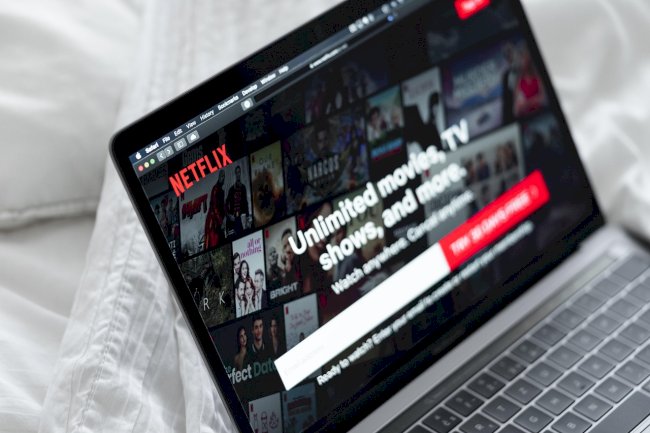
- Visit the Netflix website.
- Click on the “JOIN NOW” or “Sign Up” button.
- Enter your email address and create a password.
- Choose your preferred subscription plan.
- Add a payment method (credit card, debit card, or PayPal).
- Confirm your account details and click “Start Membership.”
Once this process is completed, you’ll receive a confirmation email, and your Netflix account is officially set up!
Step 4: Download the Netflix App
Although you can stream Netflix through a web browser, downloading the app on your device can enhance your viewing experience. Here’s how to do it based on your device:
- Smartphones & Tablets: Visit the App Store (iOS) or Google Play Store (Android) and search for “Netflix.” Download and install the app.
- Smart TVs: Access the app store on your TV and search for “Netflix.” Install the app directly on your television.
- Streaming Devices: If you use devices like Roku, Apple TV, or Amazon Fire Stick, navigate to the app section and download Netflix from there.
- Gaming Consoles: Search for Netflix in the app store of your console, such as PlayStation or Xbox, and install it.
Once the app is installed, sign in using the email and password you created earlier.
Step 5: Start Watching!
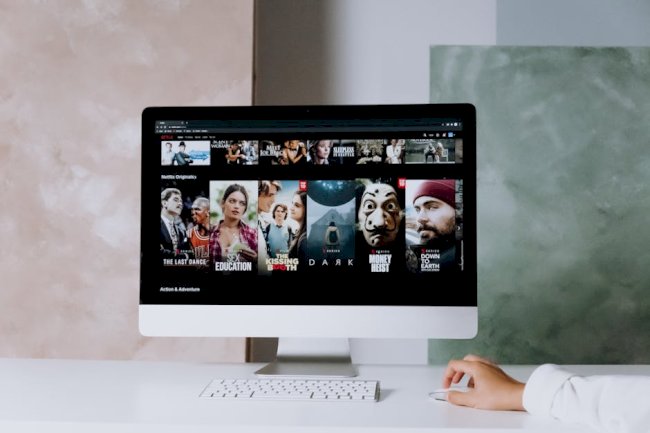
With your Netflix account active and the app installed, you are ready to start streaming. Browse through categories, check out trending shows, and explore Netflix Originals that are exclusive to the platform!
Tips for an Enhanced Netflix Experience
To make the most of your Netflix subscription, consider the following tips:
- Create Multiple Profiles: If you share your account with family, create individual profiles to personalize recommendations.
- Download Content: Use the download feature to save movies and shows for offline viewing, especially useful for travel.
- Use Parental Controls: If kids will be using the account, set up parental controls to restrict access to certain content.
- Explore Netflix’s Hidden Gems: Don’t just stick to mainstream titles—explore documentaries, indie films, and foreign shows for a broader experience.
With these steps and tips, you’re all set to enjoy endless hours of entertainment on Netflix. Happy streaming!
Liked This ? Share It !
What's Your Reaction?